
A tidy photo library, one decision at a time.
Kiipa finds exact copies, the same shot in different sizes, similar series and screenshots, and suggests what to keep. You decide. Nothing is deleted until you say so.
Coming to the App StoreFor iPhone and iPad. Free to use, with a one-time purchase for the full version.
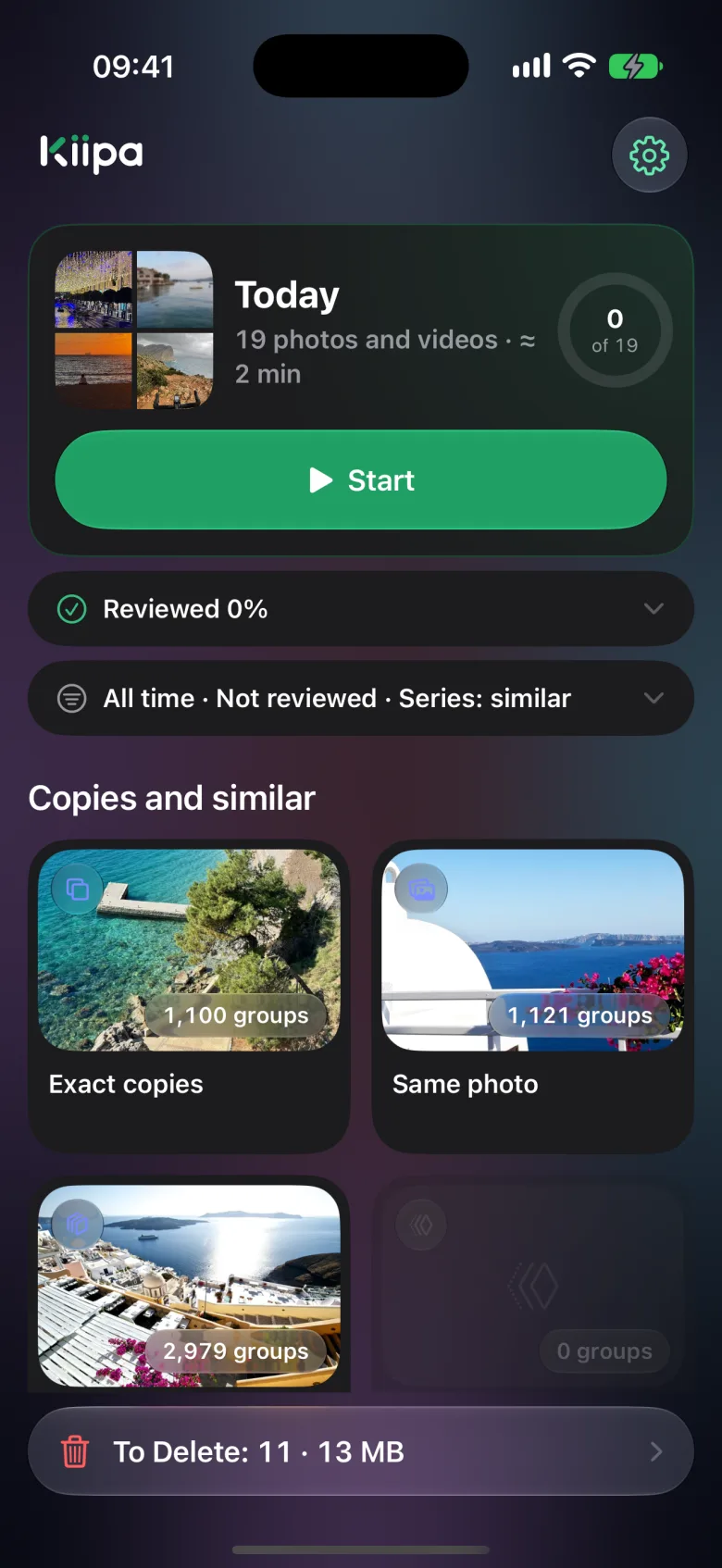


What it finds
The photos you have more than once.
Exact copies
The same file saved twice or more.
The same photo in different sizes
An original and its smaller versions. Kiipa points to the one with the highest resolution.
Similar series
Several takes of one moment. Kiipa suggests the sharpest and shows the rest next to it.
Screenshots
Gathered in one place, so you can go through them quickly.
A suggestion, not a verdict
Each group shows which photo Kiipa would keep and why: sharper, higher resolution, the original. Accept the suggestion, pick another photo, or keep them all.

Why it is safe
Kiipa never deletes on its own.
First, a “To Delete” list
Photos you decide to remove wait in a “To Delete” list. Tap one to take it back. They leave your library only when you delete the list yourself, and even then the system keeps them in Recently Deleted.
What matters to you is protected
Favorites, edited photos and photos in your albums are protected. One caution: Kiipa can’t detect iCloud Shared Photo Library, so photos you delete from it are removed for everyone in it.
Everything happens on your device
Kiipa analyses your library on the device. Your photos are not uploaded anywhere, and there is no Kiipa server to upload them to.
No account, no ads, no tracking
Kiipa does not ask who you are and does not watch what you do. The details are in the privacy policy.
Large libraries
Made for libraries that took years to grow.
Kiipa works with libraries of more than 150,000 photos and videos. Scanning continues in the background, so you can start reviewing before it finishes.
In the full version, the review calendar shows month by month what is left to go through.

A few minutes a day
A small portion every day.
Nobody sorts a whole library in one evening. Each day Kiipa prepares a short review that takes a few minutes. A widget shows today’s portion, and a reminder can bring you back if you want one.
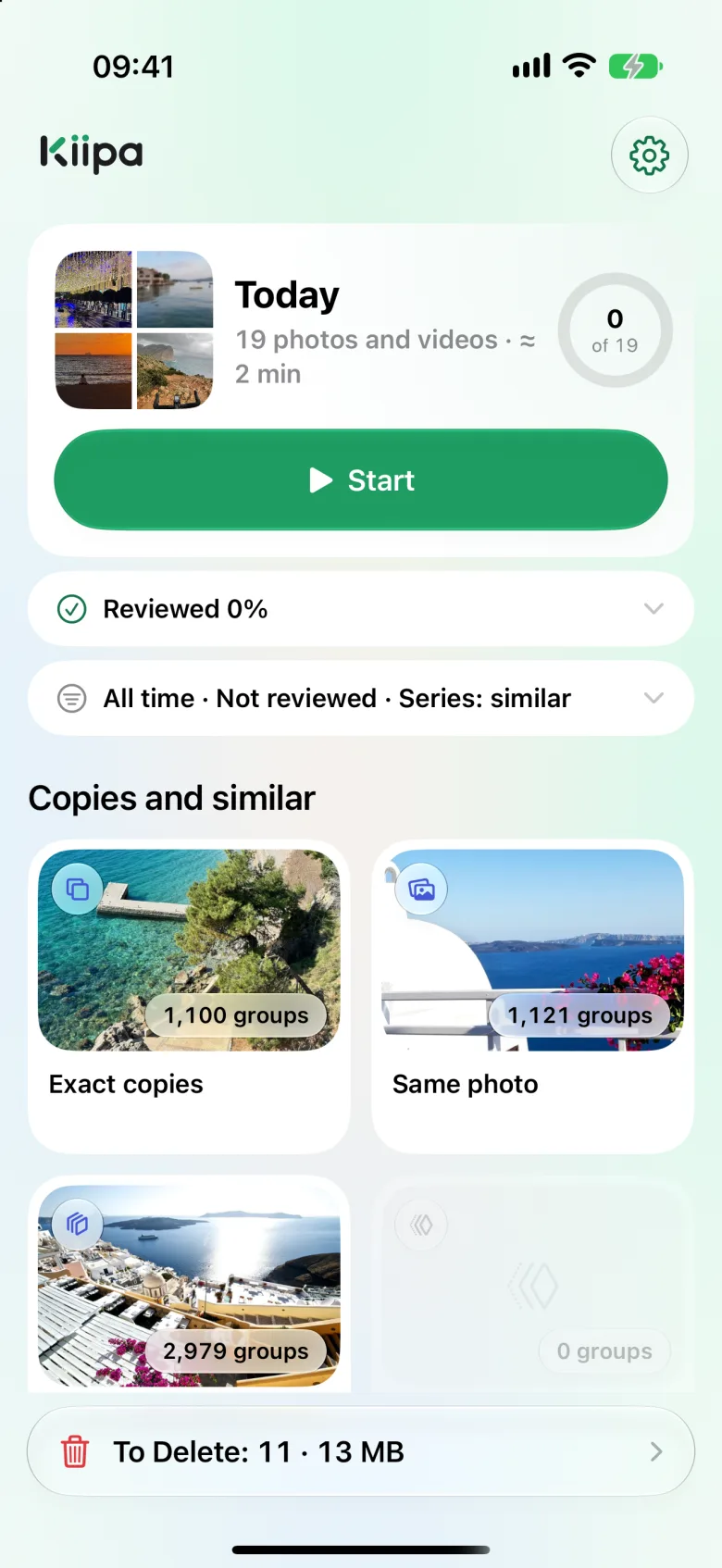
Light and dark
Looks right at any hour.
Kiipa comes with “Colour” themes: light, dark, or automatic, following your device. The full version adds plain Light and Dark themes.
Free and full
Free to use. Pay once if you want more.
The full version is a one-time purchase, not a subscription.
Free
No time limit
- Scanning of your whole library
- Counts of what was found in each category
- A daily review of up to 50 items
- 50 decisions outside the daily review
- Widget and reminders
- “Colour” themes: light, dark or automatic
Full version
One-time purchase
- Decide in every category, without limits
- Review by period and by album
- Bulk actions
- Several archives with your own names
- Plain Light and Dark themes
- The review calendar with a heat map of what is left
On a larger screen
Side by side when there is room.
On iPad and on an unfolded iPhone Duo, Kiipa uses the width: the home screen in two columns, and the photos of a group next to each other, so the difference is easy to see.


